Bring your own model
Any local model. OrcStat talks to the model servers you run and scores each one on statistics tasks.
Ollamallama.cppLM StudiovLLMOpenAI-compatibleYour GPU serverLaptop CPUAir-gapped
Ask a research question and get a validated analysis, from assumption checks to an APA-ready report. The AI runs on your own hardware.
14 days free, no card needed
Opens the files you already have, with labels and missing codes intact.
How it works
Bring in data. Open .sav, Stata, SAS, Excel or Parquet with labels, missing codes and measurement levels intact.
Ask your question. The orchestrator plans the analysis, checks assumptions and picks the right test when one fails.
Report and reproduce. APA 7 tables and a results section in Word, with a syntax journal that re-runs everything.
The orchestrator
Plans that fit your design. Analyses chosen from your question, variable types, sample size and design.
Checks built in. Normality, equal variances and outliers are tested for you, with the right alternative when one fails.
Explanations you can verify. Every number in the AI's text is checked against the engine's output before you see it.
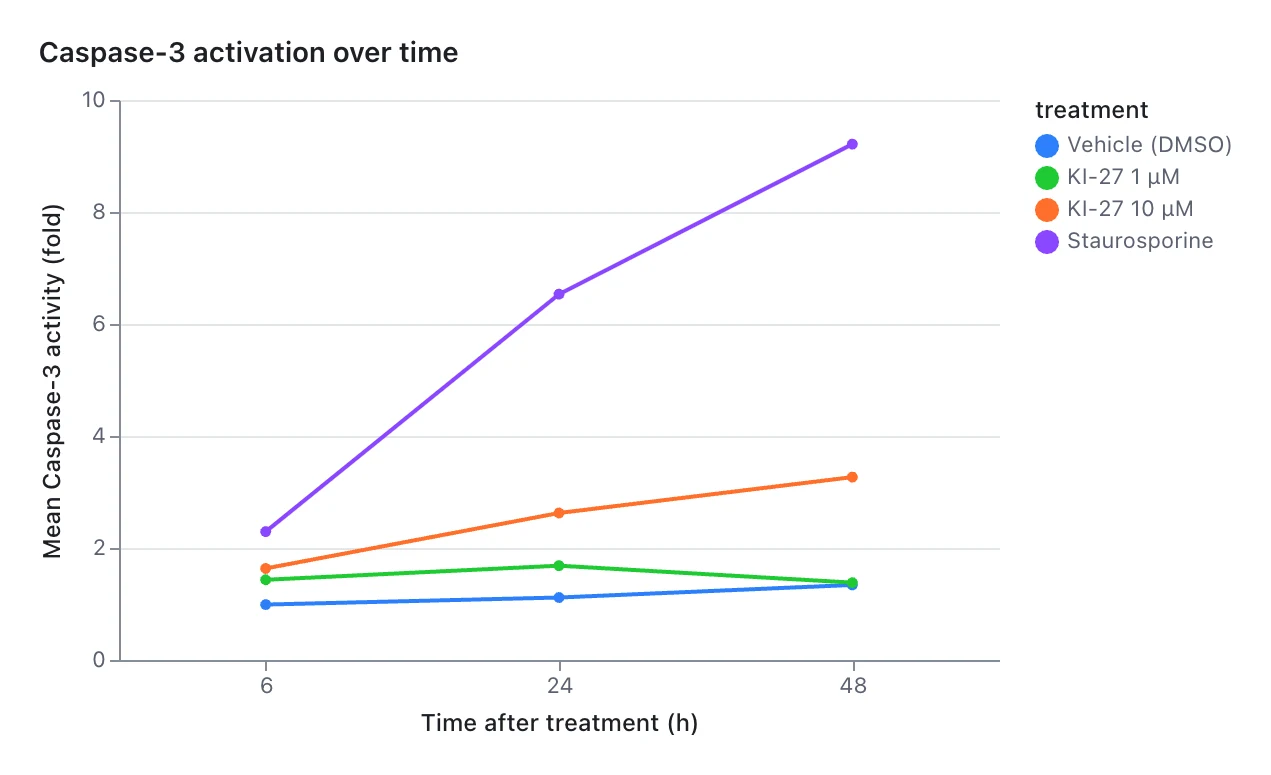
Does kinase activity differ by treatment, and is it the same in both cell lines?
The workbench
Any local model. OrcStat talks to the model servers you run and scores each one on statistics tasks.
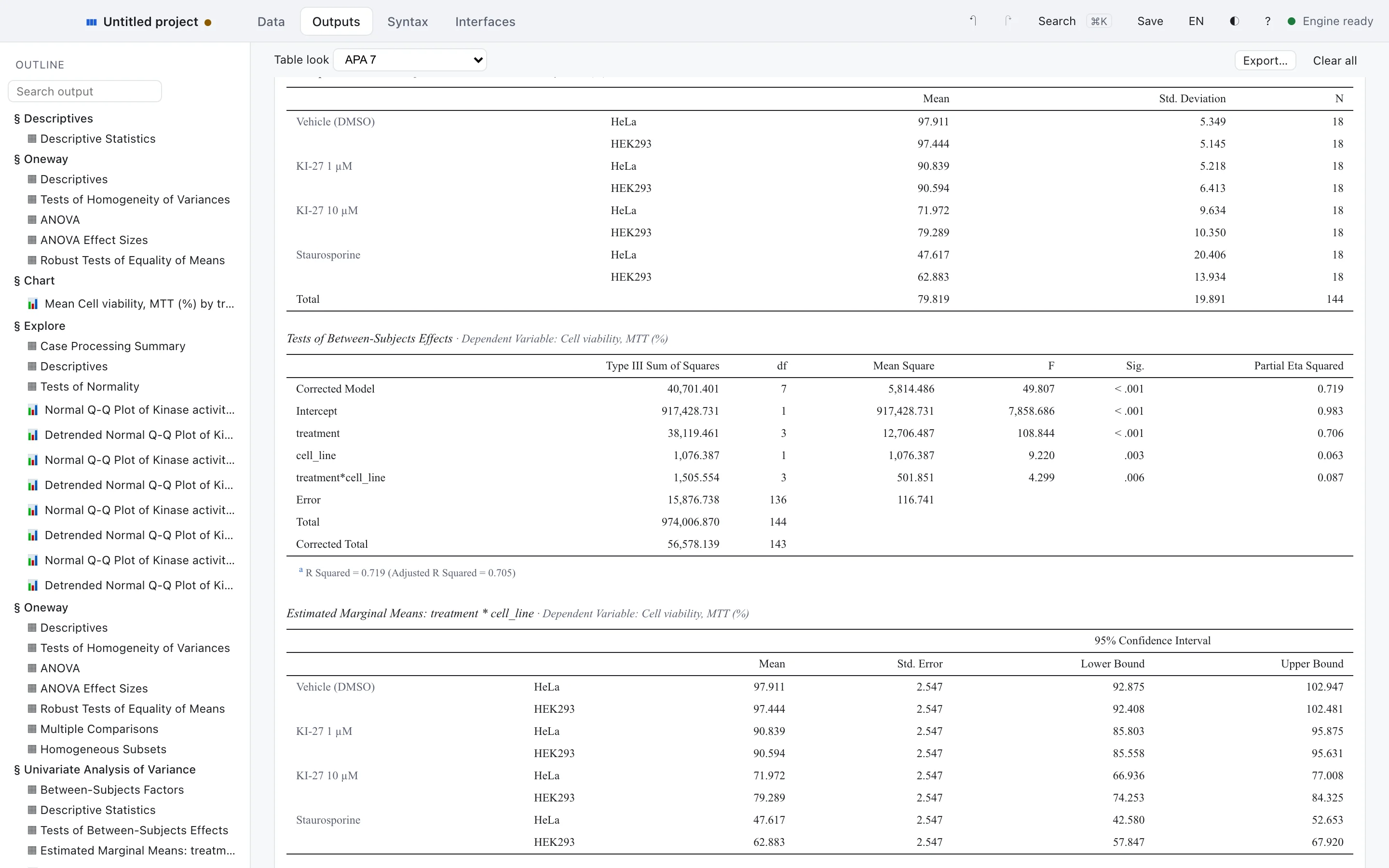
APA 7, linked to the output. Methods and results in Word, each number tied to its table.
A one-way ANOVA showed kinase activity differed across treatments, F(3, 140) = 125.81, p < .001, η² = .73.

Ten million rows on a laptop. Data View and Variable View, the way you're used to.
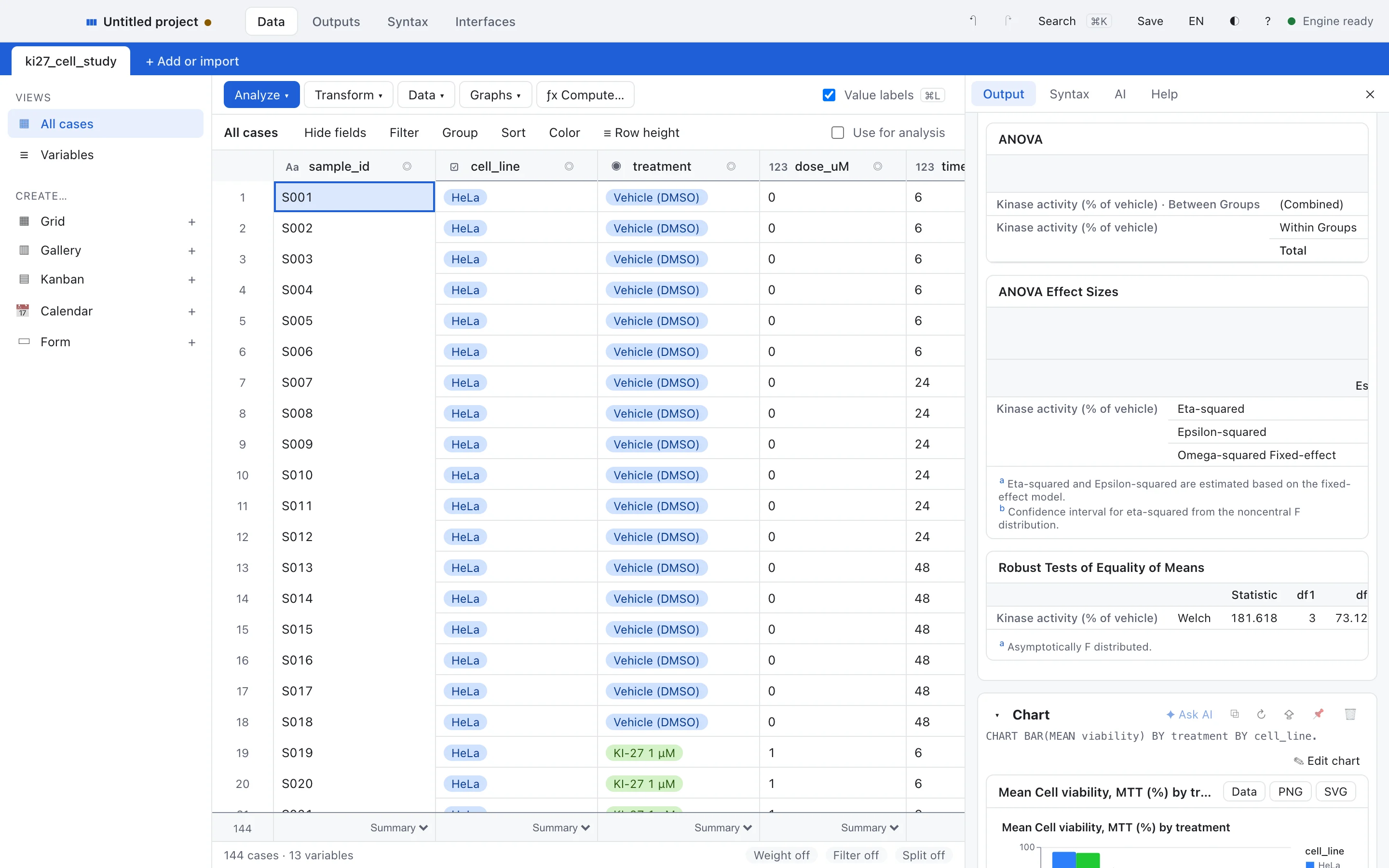
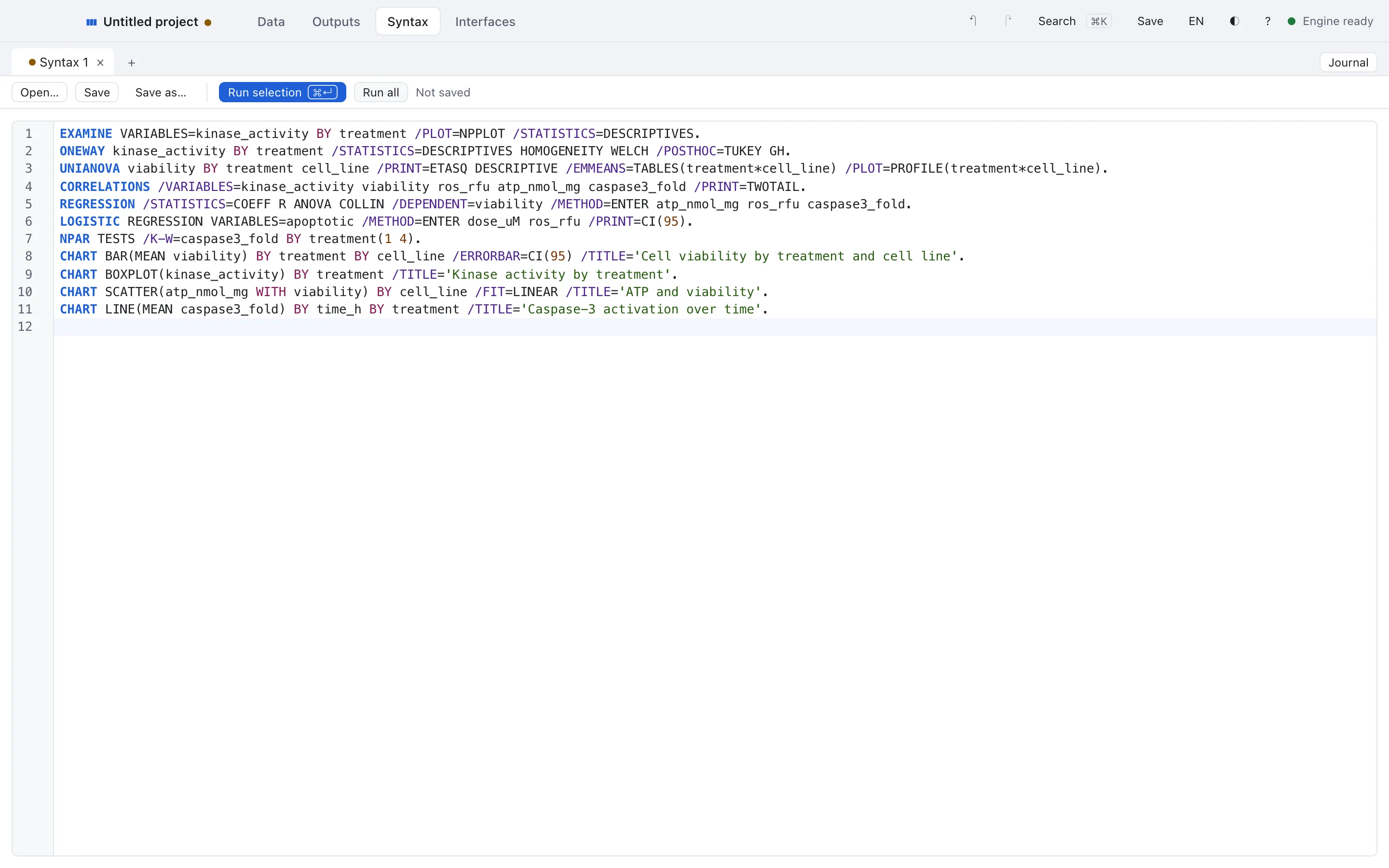
Every click, replayable. Dialogs and AI actions become syntax.
One plan for the whole lab. Owner, admin and billing roles, invitations by email or link.
Privacy and security
The engine runs on your computer, or in your browser. The AI talks only to model servers you configure. Nothing about your data leaves the building.
You choose what the AI sees. By default, variable names, labels and output tables only. Raise or lower it per project and preview every request.
Models on your hardware. Ollama, llama.cpp, LM Studio or a server on your network. Local Only mode blocks every other destination.
A licence check, nothing more. Four things: licence ID, a hashed device ID, app version and operating system. Never your data or analyses.
Under the hood
Plans
You pay for the private AI and the controls, never for statistics add‑ons.
Every module and the local AI orchestrator, for one person.
14 days free, no card needed
Pro for labs, departments and firms, with shared billing and roles.
Buy seats, then invite people by email or link
Pro for every seat, with the controls IT and governance teams need.
Pilots, security reviews and procurement
Validation
Linear regression and univariate statistics reproduce the certified values of the NIST reference datasets, on every change.
Use cases
Students, researchers and clinical teams use OrcStat to turn raw data into results they can defend.
Explore use casesPrivacy, models and files. More on the pricing page.
By default it sees variable names, labels and output tables only. You can raise or lower the exposure level per project, and preview every request before it is sent.
Anything served by Ollama, llama.cpp, LM Studio, vLLM or another OpenAI-compatible server on your machine or network. OrcStat scores each model on statistics tasks.
The AI never calculates. A validated engine computes every statistic, and each number in the AI's text is checked against the output before you see it.
OrcStat reads and writes .sav and .zsav, reads .por, and runs a large subset of SPSS-style syntax. The copilot converts the rest.
No. The engine runs on any laptop. For AI, an 8B model runs well on 16 GB of RAM, and OrcStat recommends a size for your hardware.
Subscribe to keep going. If you don't, OrcStat switches to read-only mode: you can still open, view and export your projects, but not run new analyses or use the AI.
Save the project, share the syntax, or export a self-contained report. Anyone can reproduce your numbers.
14 days free, no card needed